 LapView
Download
LapView
Download
LapView
Download
LapView
Download LapView shows your distance and lap count in large, clear text on your Apple Watch — so nothing breaks your rhythm in the pool.
At a glance
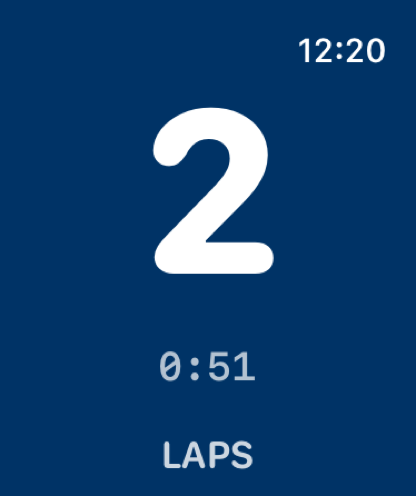
Big numbers. No squinting. LapView fills your watch screen with your lap count and distance in real time — updated with every turn off the wall.
One-touch start
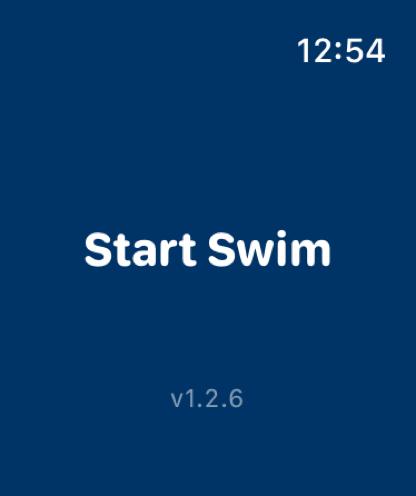
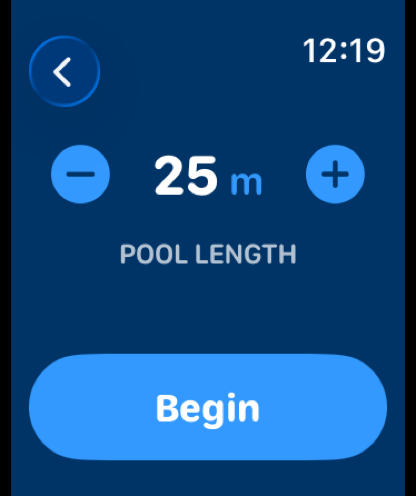
Hit Begin, set your pool length, and go. No fiddling between lengths — just raise your wrist and swim.
Four themes
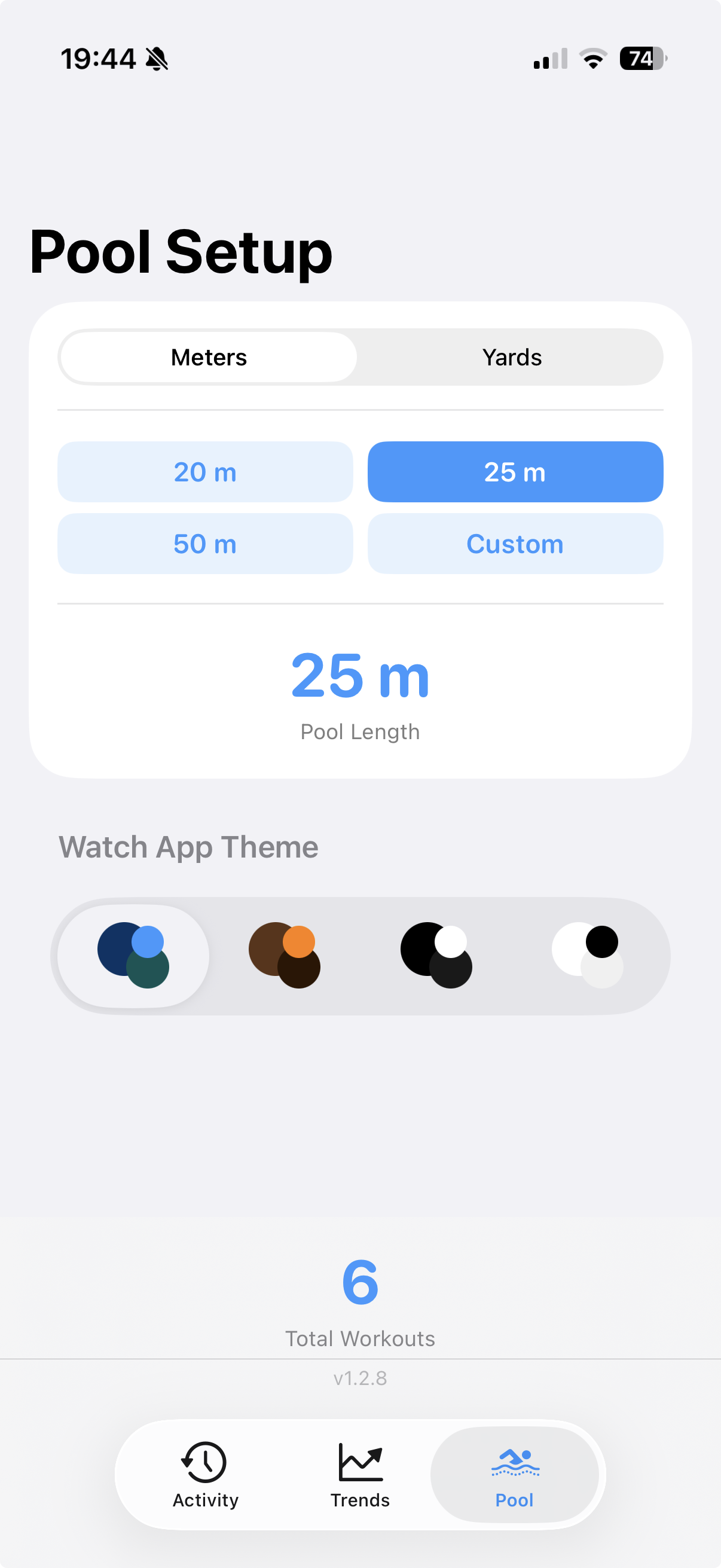
Choose from four distinct looks — from deep navy to high-contrast white. Every theme is tuned so the numbers stay crystal-clear, whether you're in a dim indoor pool or under bright morning sun.
Ocean 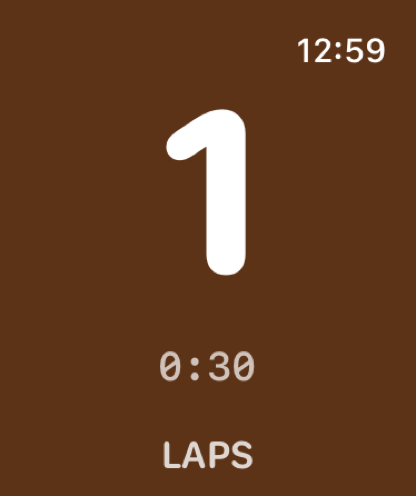 Café au lait
 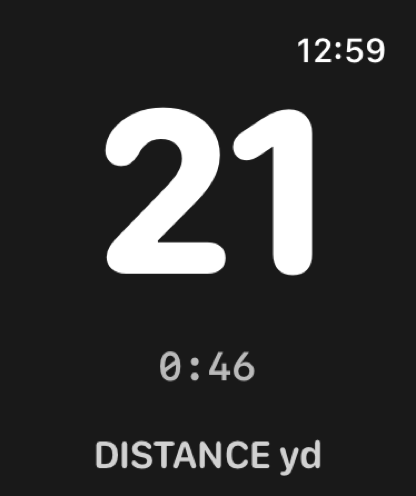 High Contrast
 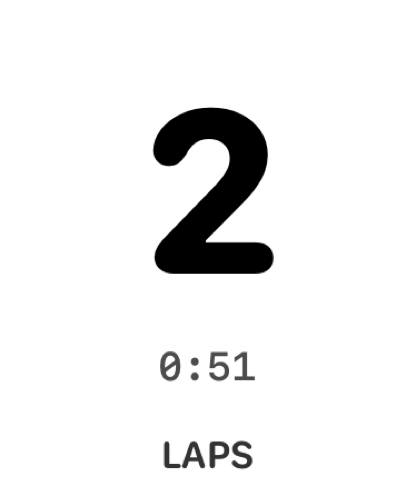 High Contrast — Reversed
 iPhone companion
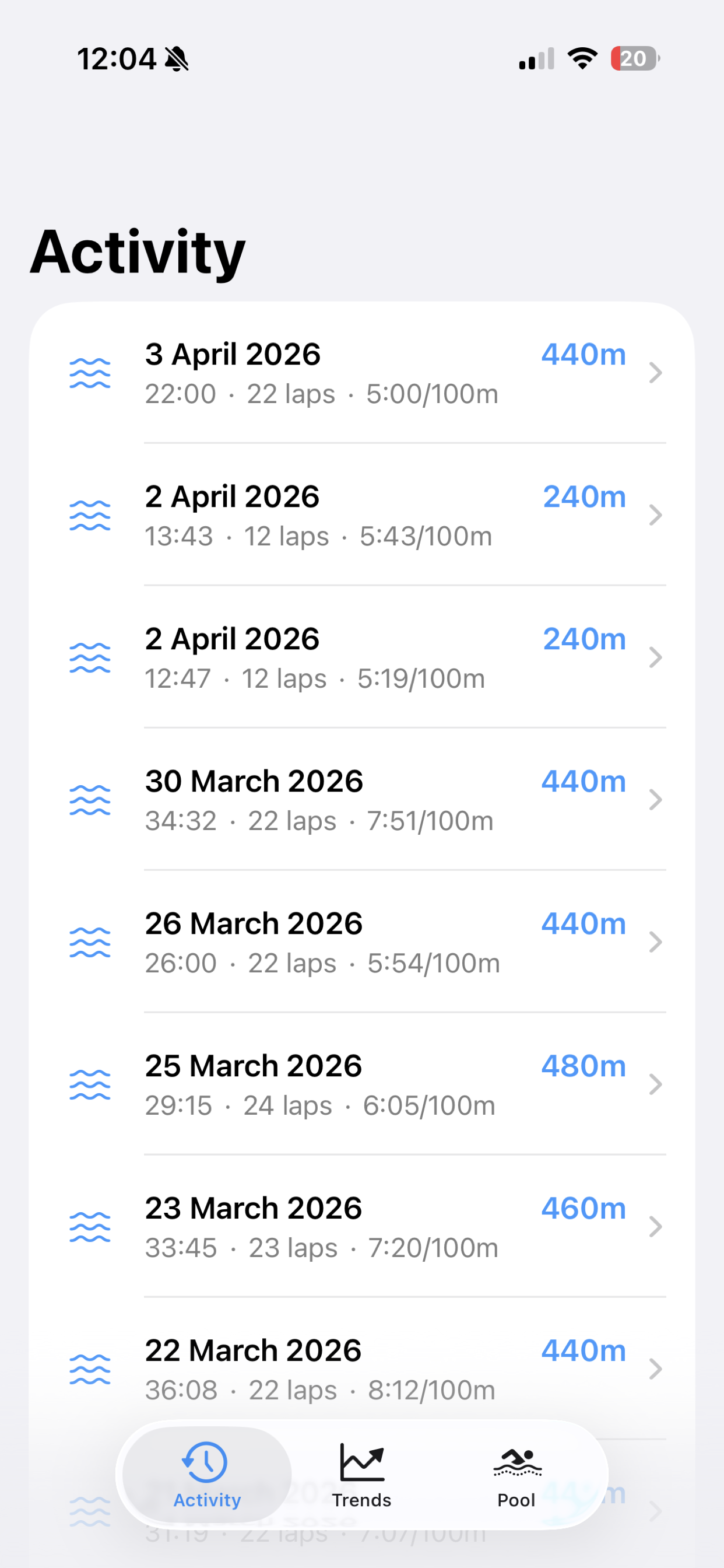
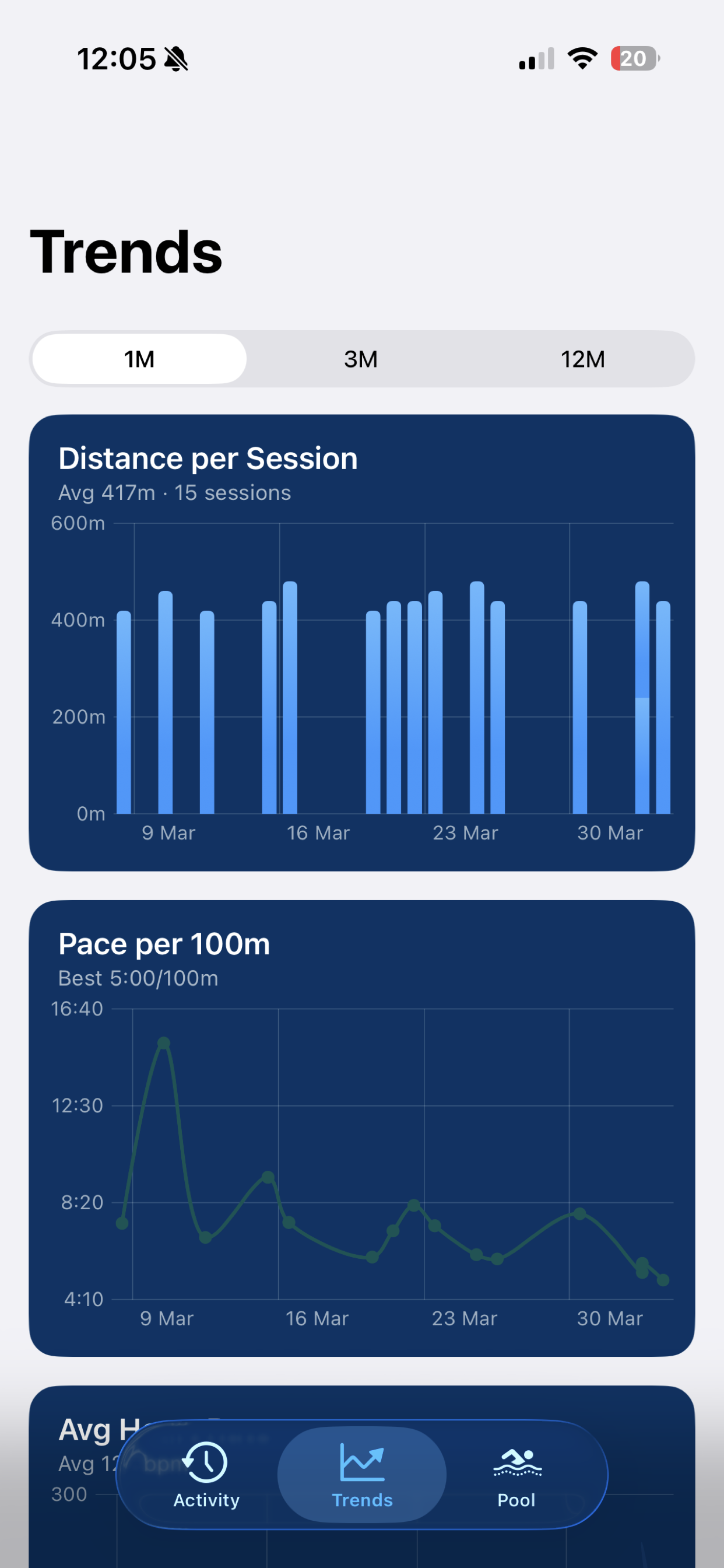
Every lap time, stroke count, and heart rate change is waiting on your phone. Track your pace, monitor your progress, and watch your fitness improve over weeks and months.
Pool length
25 metres, 50 metres, yards, or a custom length — set it once on your phone or adjust it right on your wrist before you push off. LapView works wherever you swim.
Download LapView and start tracking your laps today.
Download on the App Store